



Your Google Drive,
as a disk on your Mac.
Every file shows up in Finder at full size, and none of it fills your Mac. Open a 60 GB film and it starts playing in a second or two.
See it in Finder
Open the big file. It weighs nothing.
StreamDisk shows up under Locations like any other disk. Your Drive's files are all there at their real size, and they only come down while you use them.

Size in Finder
61.37 GB
Downloaded so far
Nothing yet
Stored on your Mac
0 bytes
Files in Finder are only names and sizes until you open one.
1.7 s
from double-click to the first frame of a 61 GB film, on a 3.5 MB/s connection
0 bytes
of your Mac's disk taken by a file, until you choose to keep it offline
Any app
opens files from StreamDisk, because to your Mac it is just another disk
Opens in the apps you already use
QuickTimeIINAVLCFinal Cut ProPreview
How it works
Three steps. Then it’s just Finder.
Sign in with Google
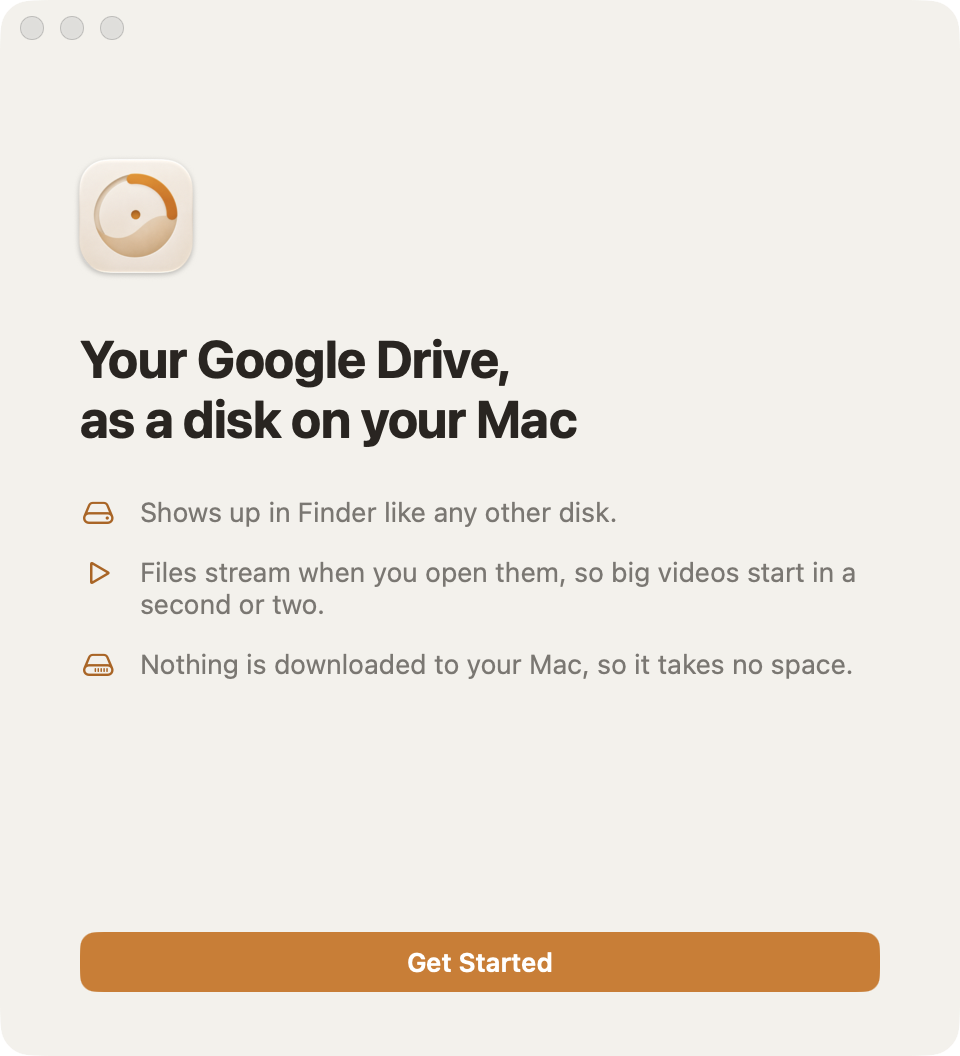
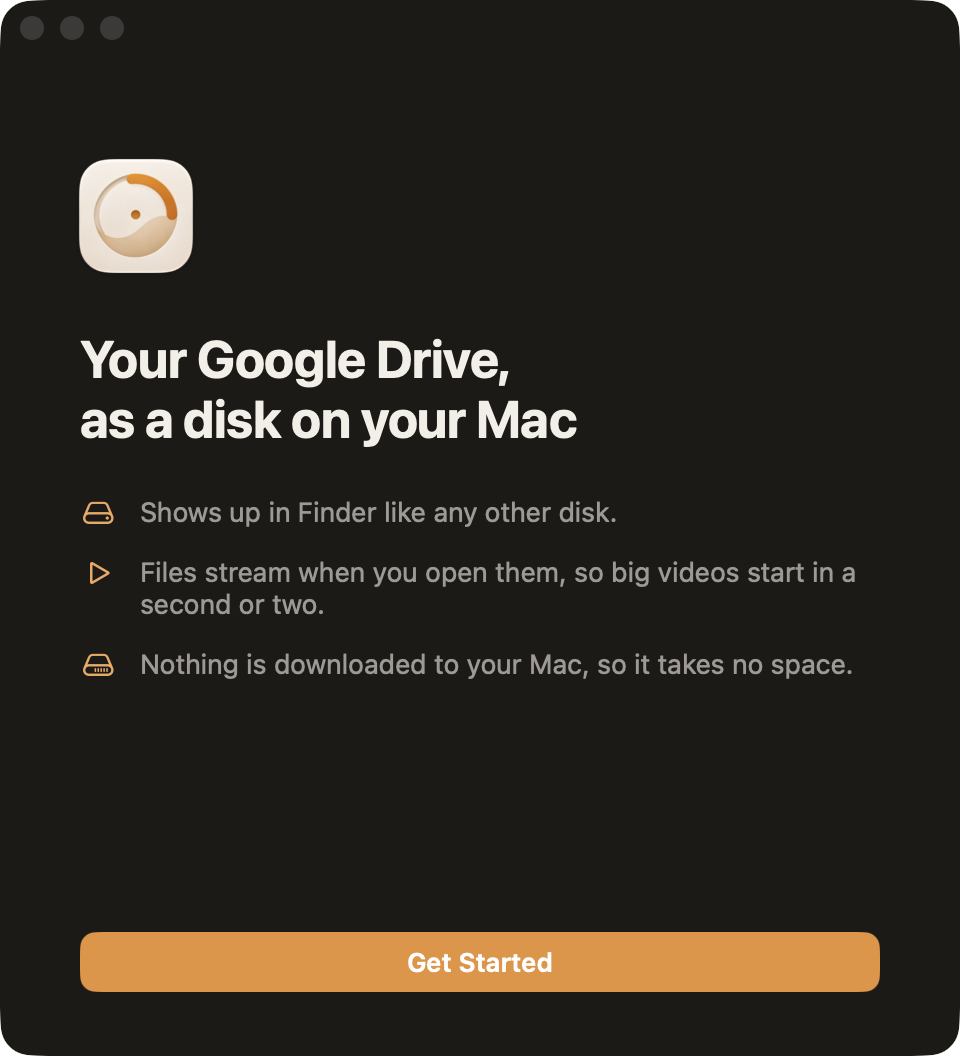
Open StreamDisk, choose what it should show, a StreamDisk folder or your whole Drive, and sign in in your browser. Your sign-in is kept in your Mac's Keychain.
Find it under Locations
StreamDisk mounts like a disk, right below Macintosh HD. Browse and search it, drag files in to upload them, and delete to send them to Drive's trash.
Locations
Open anything
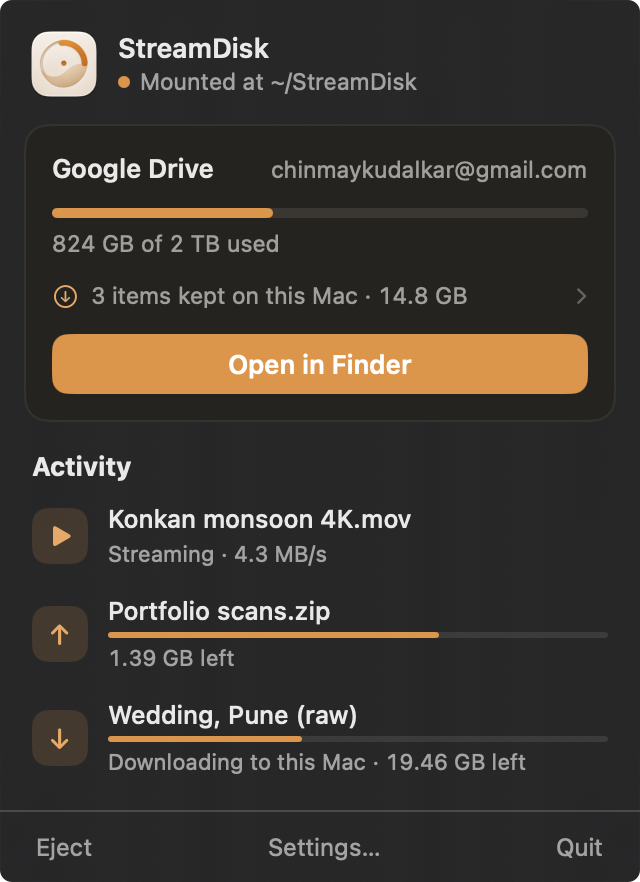
Films, photos, archives, documents. Only the parts an app reads come down, a little ahead of where you are, and the menu bar shows what is streaming and uploading.
Keep on This Mac
Going somewhere offline? Keep it on this Mac.
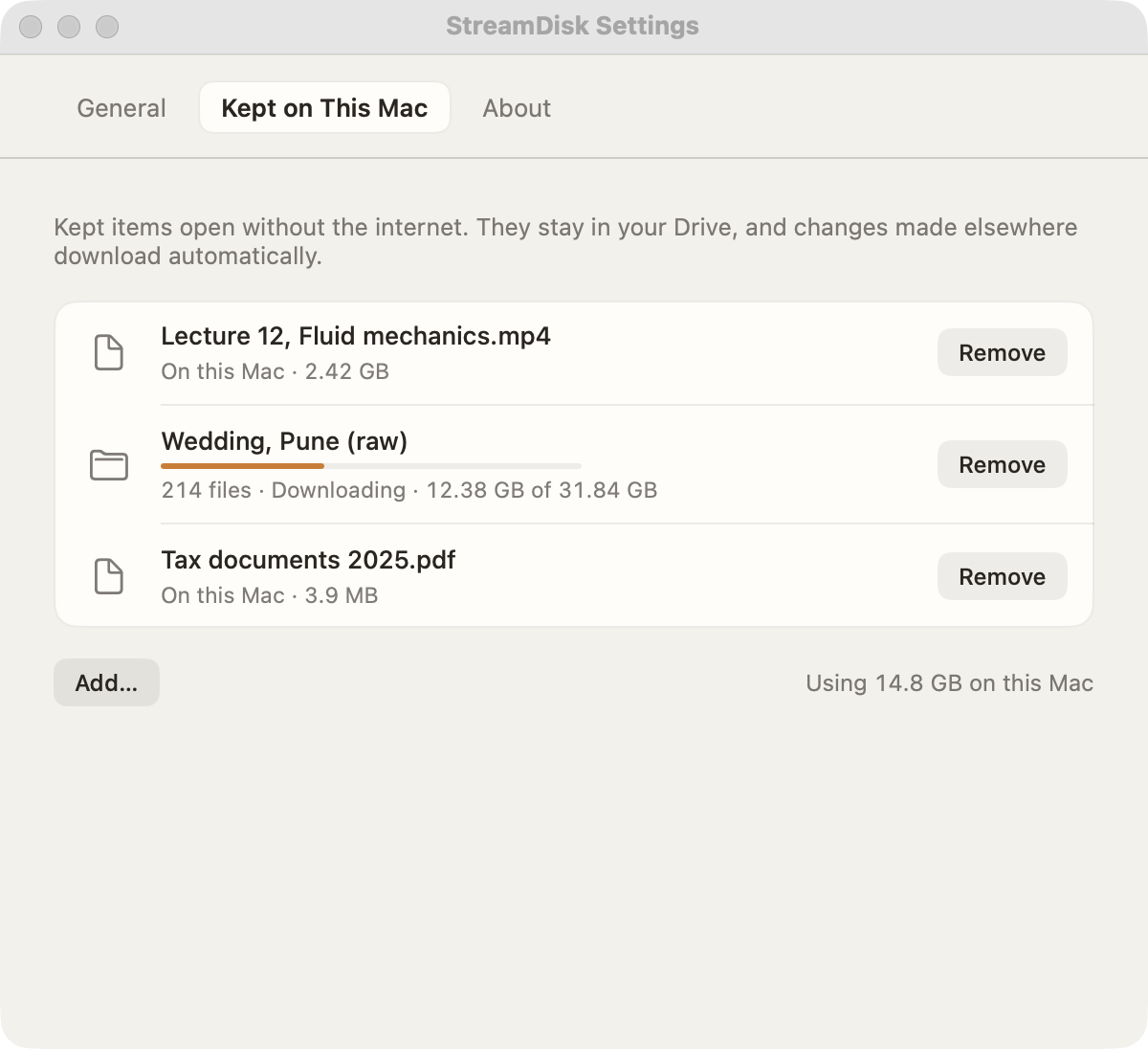
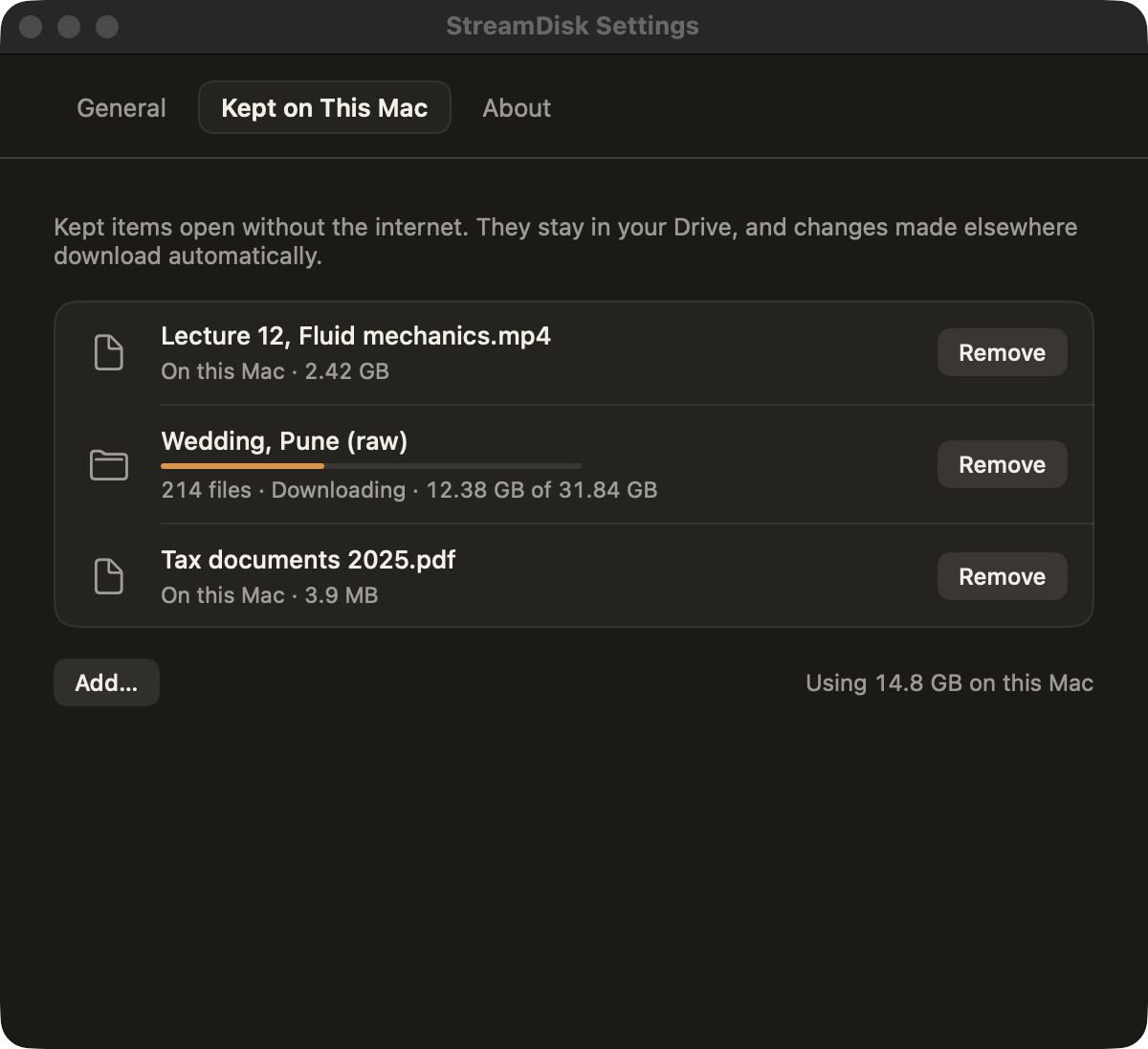
Right-click a file or a folder and keep it. StreamDisk downloads a full copy, so it opens on a flight or a train, and keeps it in step with your Drive.
Folders stay in step
New and changed files in a kept folder download on their own; files deleted from Drive leave this Mac too.
Remove it any time
Removing a kept item frees the space here. The original stays in your Drive, and in Finder.
Private
Between you and Google. Nothing in between.
No StreamDisk server
Your Mac talks to Google directly. Your files and your account never pass through anyone else.
Sign-in in your Keychain
Google's sign-in token is kept in the macOS Keychain. Signing out revokes it at Google too.
Only its own folder, unless you say so
By default StreamDisk can see only the files in its StreamDisk folder. Your whole Drive is a choice you make.
Streamed to memory, not disk
What you open is held in memory while you use it and dropped after. Only kept items are saved on this Mac.
Questions
Is StreamDisk free?
Yes. It is free and open source, and the code is on GitHub for anyone to read, build and improve.
Why does macOS say it can't verify StreamDisk?
Apple only vouches for apps signed with a paid developer account, and StreamDisk isn't yet. The first time you open it, click Done, then go to System Settings › Privacy & Security and click Open Anyway next to StreamDisk. You only do this once, and the code is on GitHub if you want to see what it does.
Does StreamDisk use space on my Mac?
Not for the files you open: they are held in memory while you use them. Files you keep on this Mac are stored, and a file you copy onto the disk stays here until it has uploaded, so copying a large file needs that much free space for a while.
Which apps can open files on it?
Any app. To macOS, StreamDisk is a disk, so QuickTime, IINA, VLC, Final Cut Pro and Preview open its files the way they open files anywhere else.
What happens without internet?
Items you keep on this Mac open as usual. Everything else needs a connection, because it lives in your Drive.
What can StreamDisk see in my Drive?
By default only its own StreamDisk folder, which it creates at the top of your Drive. You can choose to show your whole Drive when you sign in. Google is still reviewing StreamDisk for whole-Drive access, so until then Google shows an "unverified app" screen for that choice: click Advanced, then Go to StreamDisk.
Does it work with Dropbox or OneDrive?
Not yet. StreamDisk works with Google Drive today.
Which Macs does it run on?
Macs with Apple silicon running macOS 15 Sequoia or later.
Your Drive, one double-click away.
Opening it the first time
StreamDisk isn’t signed by Apple yet, because that needs a paid developer account. So macOS stops the first open. It takes a minute, once:
- 1Open StreamDisk. When macOS says it can’t verify it, click Done.
- 2Open System Settings › Privacy & Security, scroll to Security, and click Open Anyway next to StreamDisk.
- 3Confirm with your password, then click Open Anyway once more. That’s it: from now on it opens like any app.
Or, in Terminal:
xattr -dr com.apple.quarantine /Applications/StreamDisk.app